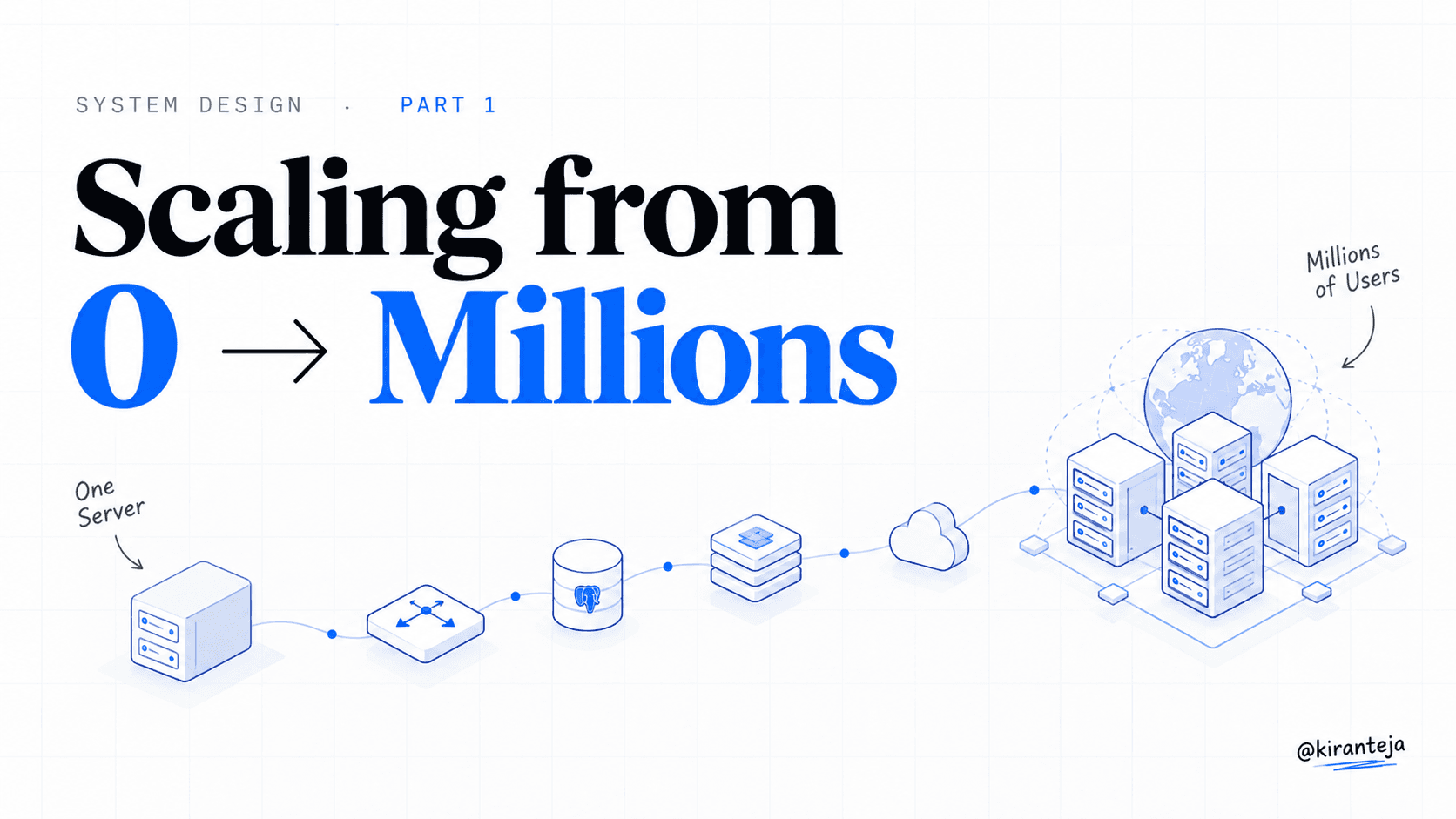
Designing a system that supports millions of users is not magic. It is an iterative engineering process of removing bottlenecks, eliminating single points of failure (SPOF), and trading off latency, consistency, and cost.
When most engineers are asked: "How would you design a scalable web application?", they immediately freeze or start throwing buzzwords at the whiteboard:
"Let's put Kafka in front, spin up a Cassandra cluster, use Kubernetes with 50 pods, and implement consistent hashing!"
STOP.
Don't be that engineer. In real-world engineering, prematurely introducing distributed complexity before you understand your read/write patterns, your data volume, and your traffic profile is the fastest way to bankrupt a startup and burn out your team.
A journey of a thousand miles begins with a single step. Let's start with a single user on a single server and systematically scale it up to serve 10 million concurrent users.
Single Server Setup
Every legendary application you know — Google, Facebook, Twitter, Amazon — started with everything running on a single box.
In a single-server setup:
- The web application (Next.js, Node.js, Django, Go)
- The database (PostgreSQL, MySQL)
- The cache (Redis)
- The file system
All live together on one virtual machine or droplet.
[User Client] ──(1. DNS Lookup)──> [DNS Server (api.mysite.com)]
      │                                       │
      │                                 (Returns IP)
      ▼                                       │
  (2. HTTP/S Request to 15.125.23.214)        │
      │                                       │
      ▼                                       ▼
┌────────────────────────────────────────────────────────┐
│ Single Server                                          │
│  ├── Web Application (Node.js / Go)                    │
│  ├── Database (PostgreSQL / MySQL)                     │
│  └── In-Memory Store                                   │
└────────────────────────────────────────────────────────┘
- The user types
mysite.cominto their browser or mobile app. - The browser requests the Domain Name System (DNS) to resolve the human-readable domain name into an IP address (e.g.,
15.125.23.214). - The browser opens a TCP/TLS connection and sends an HTTP/HTTPS request directly to that IP address.
- The single server processes the request, queries its local database, and returns an HTML page or JSON response.
This setup is cheap, simple to deploy, and fantastic for prototypes. But as soon as your user count hits several thousand, the server runs out of CPU, memory, and disk I/O. Even worse: if that one server crashes, your entire business goes dark.
Step 1: Web & Data Tier Separation
The first principle of scaling is separation of concerns. A web server is optimized for high concurrency, network I/O, and CPU-bound templating or business logic. A database server is heavily bound by disk I/O, memory buffering, and ACID transaction locks.
When they fight for the same physical RAM and CPU cycles, both suffer.
                 ┌───────────────────────────┐
                 │  Web Tier (Compute)       │
[User Client] ──>│  Node.js / Go Web Server  │
                 └─────────────┬─────────────┘
                               │ (Network Query)
                               ▼
                 ┌───────────────────────────┐
                 │  Data Tier (Storage)      │
                 │  PostgreSQL / MySQL DB    │
                 └───────────────────────────┘
By splitting the web tier and database tier onto separate dedicated instances, you can scale them independently based on their resource profiles.
Step 2: SQL vs NoSQL
Once you separate your database, you must make a critical architectural decision: Relational (SQL) or Non-Relational (NoSQL)?
Relational Databases (RDBMS)
- Examples: PostgreSQL, MySQL, Oracle.
- Data Model: Tables, columns, and rows with strict schemas.
- Superpower: ACID compliance (Atomicity, Consistency, Isolation, Durability) and powerful relational
JOINoperations across tables.
Non-Relational Databases (NoSQL)
- Examples: DynamoDB, MongoDB, Cassandra, Redis, Neo4j.
- Data Model: Key-value stores, document stores, wide-column stores, or graph databases.
- Superpower: Massively horizontal scalability, flexible schema-free payloads, and low latency for key-based lookups.
Choose NoSQL if you require sub-millisecond lookups, have unstructured data, or deal with massive petabyte-scale volumes that cannot fit into standard tables without complex sharding.
Choose Relational (SQL) if data consistency is non-negotiable (finance, payments), or you have deeply interconnected relational entities with standard queries.
Step 3: Vertical vs Horizontal Scaling
When your servers start sweating, you have two ways to add compute capacity:
- Vertical Scaling ("Scale-Up"): Adding more CPU, RAM, and SSD storage to a single machine.
- Horizontal Scaling ("Scale-Out"): Adding more instances to your resource pool and sharing the workload.
| Feature | Vertical Scaling (Scale-Up) | Horizontal Scaling (Scale-Out) |
|---|---|---|
| Simplicity | Very simple (no architectural changes) | Requires load balancing & statelessness |
| Hardware Limit | Hard physical limit (e.g. 24TB RAM max) | Virtually unlimited (add 100+ nodes) |
| Fault Tolerance | Single Point of Failure (SPOF) | Redundant & self-healing |
| Cost Curve | Exponentially expensive for top-tier hardware | Linear & cost-effective commodity cloud VMs |
While vertical scaling is a great quick fix when traffic is low, it has a brutal ceiling. You cannot buy a machine with infinite RAM. Horizontal scaling is the only viable path for systems serving millions of users.
Step 4: Load Balancers
If you have multiple web servers, how do incoming client requests know which server to talk to?
Enter the Load Balancer. A load balancer evenly distributes incoming HTTP/HTTPS traffic across a pool of healthy backend web servers.
                  ┌──────────────────────┐
                  │ DNS (mysite.com)     │
                  └──────────┬───────────┘
                             │ Returns Public IP: 88.88.88.1
                             ▼
                  ┌──────────────────────┐
[User Client] ───>│    Load Balancer     │ (Public IP: 88.88.88.1)
                  └──────────┬───────────┘
                             │
            ┌────────────────┴────────────────┐
     (Private IP: 10.0.0.1)            (Private IP: 10.0.0.2)
            ▼                                 ▼
   ┌─────────────────┐               ┌─────────────────┐
   │  Web Server 1   │               │  Web Server 2   │
   └─────────────────┘               └─────────────────┘
- Zero-Downtime Failover: If Server 1 crashes or gets rebooted during a deployment, health checks detect the failure within milliseconds and route 100% of traffic to Server 2.
- Elastic Scaling: When Black Friday hits and traffic spikes 10x, you simply spin up 5 additional web servers and register their private IPs with the load balancer.
- Security: Clients connect only to the public IP of the load balancer. Application servers reside inside a private virtual network (
10.0.0.x), unreachable directly from the open internet.
Step 5: Database Replication
Now that the web tier is horizontally scalable, what happens when millions of users start querying the database? The database becomes the new bottleneck.
In typical web applications, read queries outnumber write queries by 5:1 or even 20:1.
To solve this, we introduce Master-Slave (Primary-Replica) Database Replication:
                 ┌─────────────────────────────┐
                 │        Web Servers          │
                 └──────┬───────────────┬──────┘
                        │               │
                 (Write/Updates)     (Read Queries)
                        │               │
                        ▼               ▼
               ┌────────────────┐   ┌────────────────┐
               │   Master DB    │   │  Slave DB 1    │
               │    (Writes)    │──>│    (Reads)     │
               └────────────────┘   └────────────────┘
                        │                   ▲
                        │ (Replication Log) │
                        └───────────────────┴──> ┌────────────────┐
                                                 │  Slave DB 2    │
                                                 │    (Reads)     │
                                                 └────────────────┘
- Master Database: Handles all write, update, and delete operations (
INSERT,UPDATE,DELETE). - Slave Databases: Receive replicas of the write log asynchronously and serve read queries (
SELECT). - High Availability: If a slave database dies, read queries are temporarily routed to other healthy slaves. If the master dies, a healthy slave is promoted to become the new master.
Step 6: Cache Tier
Even with read replicas, disk I/O is orders of magnitude slower than memory:
- Main memory (RAM) access:
~100 ns - SSD random read:
~16,000 ns (16 µs) - Standard Disk seek:
~10,000,000 ns (10 ms)
Fetching the same user profile or trending product from disk on every page view is engineering negligence. A Cache Tier stores expensive query results in ultra-fast RAM using Redis or Memcached.
Cache-Aside (Read-Through) Architecture
Separating ultra-fast RAM lookups from expensive disk queries
The key is found in Redis. The cached response is returned in ~1ms without touching the database disk.
Server reads from Database disk, writes the result to Redis with a TTL, and returns payload to client.
Key Caching Practices:
- When to use: Data is read frequently but modified infrequently.
- Expiration Policy (TTL): Always set a Time-to-Live. Without expiration, obsolete records linger forever in memory.
- Cache Eviction: Common policies include LRU (Least Recently Used), LFU (Least Frequently Used), and FIFO.
Step 7: CDN & Edge Caching
Why should a user in Tokyo or London wait 150ms for a round-trip TCP handshake to your origin server in Virginia just to download a CSS file or hero image?
A Content Delivery Network (CDN) is a globally distributed network of edge servers. When a user requests a static asset (images, JavaScript, CSS, fonts, video chunks), the request is automatically routed to the geographically nearest CDN Point of Presence (PoP).
[User in Tokyo] ──(40ms)──> [Tokyo CDN Edge Node] ──(Cached)──> Serves Asset Instantly!
                                  │
                             (Cache Miss)
                                  │
                                (180ms)
                                  ▼
                     [Origin Server in Virginia / S3]
- Massive origin offload: Up to 80-90% of your total bandwidth is absorbed by the CDN rather than hitting your application servers.
- Lightning fast load times: Static assets load in 20-40ms regardless of where in the world your user is located.
Step 8: Stateless Web Tier
To scale your web tier to dozens or hundreds of servers with automatic autoscaling, your servers must be completely stateless.
The Stateful Trap (Sticky Sessions)
In a stateful architecture, Server 1 stores Alice's session and shopping cart in its local memory. If Alice's next request is routed to Server 2 by the load balancer, Server 2 knows nothing about her session — and Alice is kicked out.
Forcing load balancers to use "sticky sessions" causes uneven load distribution and makes it impossible to gracefully terminate instances during autoscaling.
           ❌ STATEFUL (Brittle)                      ✅ STATELESS (Scalable)

[Client] ──> [Server 1 (Holds Session)]     [Client] ──> [Any Web Server]
                  │                                             │
      (Cannot route to Server 2!)                               ▼
                                                    ┌───────────────────────┐
                                                    │ Shared Session Store  │
                                                    │ (Redis Cluster / DB)  │
                                                    └───────────────────────┘
Move all user sessions, carts, and authentication tokens out of the web server memory into a shared persistent data store (like a Redis Cluster or distributed NoSQL).
Now, every web server is identical. If traffic spikes, your cloud provider automatically adds 10 more web servers; when traffic subsides at night, they are cleanly terminated with zero data loss.
Step 9: GeoDNS & Multi-DC
When your user base goes global, you cannot run out of a single data center. If a fiber cable gets severed or a power grid fails in US-East, your entire worldwide business goes offline.
By deploying identical infrastructure across multiple geographical regions (e.g., US-East, US-West, EU-Central, AP-Southeast), you achieve:
- GeoDNS Routing: Users in Europe are routed to
DC-Europe, while users in California are routed toDC-US-West, minimizing latency. - Disaster Recovery (Failover): If
DC-US-Eastsuffers an outage, the DNS traffic manager immediately redirects 100% of traffic toDC-US-West.
Step 10: Message Queues
In a synchronous architecture, when a user uploads a high-resolution photo or generates a PDF report, the HTTP connection stays open while the web server crunches the heavy task. If 5,000 users upload photos simultaneously, all web server threads lock up and requests start timing out with 504 Gateway Timeout.
A Message Queue (e.g., RabbitMQ, Apache Kafka, Amazon SQS, BullMQ) decouples heavy tasks into an asynchronous producer-consumer pipeline:
[Client] ──> [Web Server] ──(1. Enqueue Job)──> ┌───────────────────────────┐
                  │                              │       Message Queue       │
                  ▼                              │ [Task 1] [Task 2] [Task 3]│
          (Returns 202 Accepted                  └─────────────┬─────────────┘
           in 15ms to User)                                    │
                                                       (Worker Consume)
                                                               ▼
                                                 ┌───────────────────────────┐
                                                 │ Background Task Workers   │
                                                 │ (Video / Image Processing)│
                                                 └───────────────────────────┘
- Instant client response: The user gets a response in under 20ms: "Your upload was received and is processing."
- Traffic smoothing: If a spike of 50,000 jobs arrives in 1 minute, they sit safely buffered in the durable queue. The background workers continue processing at their optimal steady pace without crashing the system.
Step 11: Database Sharding
Eventually, your database grows beyond the storage capacity of a single machine. Even with read replicas, write volume overwhelms the master database.
This is where Database Sharding (Horizontal Partitioning) comes into play.
Sharding splits a large database into smaller, faster, and more easily managed partitions called shards. Every shard shares the same schema, but holds a distinct subset of the data.
                            ┌─────────────────────┐
                            │    Hash Function    │
                            │   (user_id % 4)     │
                            └──────────┬──────────┘
           ┌─────────────────┬─────────┴─────────┬─────────────────┐
        == 0              == 1                == 2              == 3
           ▼                 ▼                   ▼                 ▼
  ┌─────────────────┐┌─────────────────┐┌─────────────────┐┌─────────────────┐
  │     Shard 0     ││     Shard 1     ││     Shard 2     ││     Shard 3     │
  │ (user_id: 0, 4) ││ (user_id: 1, 5) ││ (user_id: 2, 6) ││ (user_id: 3, 7) │
  └─────────────────┘└─────────────────┘└─────────────────┘└─────────────────┘
The Pitfalls of Sharding:
- Choice of Sharding Key: The partition key determines how data is distributed. A good key spreads data evenly across all shards.
- The Celebrity / Hotspot Problem: If Justin Bieber or Cristiano Ronaldo's data lives on Shard 2, millions of read queries hit Shard 2 simultaneously, causing a catastrophic server bottleneck while Shards 0, 1, and 3 sit idle.
- Cross-Shard Joins: Once a database is sharded, relational
JOINs across shards become extremely slow and complicated. Data must often be denormalized.
Architecture Blueprint
Putting all these layers together yields the battle-tested, high-availability architecture powering modern internet-scale products:
Production Distributed Architecture
Battle-tested blueprint supporting 10,000,000+ concurrent users
Summary & Checklist
Scaling a web application is never a one-time setup; it is a continuous, iterative feedback loop. Here is your golden checklist when designing for scale:
- Keep the web tier stateless: Extract all session state into Redis or persistent stores so web servers can autoscale horizontally.
- Build redundancy at every tier: No single point of failure (SPOF) in load balancers, web nodes, caches, or databases.
- Cache aggressively: RAM is 100,000x faster than disk. Cache database query results, API payloads, and computation results.
- Push static assets to the edge: Use a global CDN for images, media, CSS, and JS.
- Decouple heavy tasks with Message Queues: Process time-intensive jobs asynchronously to keep client response times lightning-fast.
- Scale the data tier: Start with Master-Slave read replication. When writes max out, shard horizontally with a well-chosen partition key.
- Monitor metrics & logs: Implement APM, structured logging, and automated alerting so you detect bottlenecks before your users do.
In Part 2 of this series, we will dive deep into Back-of-the-Envelope Estimations, Consistent Hashing, and Designing Distributed Rate Limiters.
Stay tuned, build clean, and think from first principles.
References & Recommended Resources
To continue mastering high-scale distributed systems, explore these two curated, industry-standard resources:
The System Design Primer
By Donne Martin • Open-Source Curriculum
The premier open-source roadmap for learning how to design large-scale systems. Covers scalability trade-offs, database replication, caching strategies, and end-to-end interview blueprints.
System Design Interview
By Alex Xu (Second Edition) • ByteByteGo
The gold-standard visual architectural guide breaking down real-world systems (scale from zero to millions, rate limiters, web crawlers, chat systems, and Google Drive) with diagrams and frameworks.